
VPNGeek
Purchase
SITE-TO-SITE VPN

Two offices.
One network.

Permanently link business locations over encrypted IPsec — machines on each side reach each other as if they shared a LAN.

Plan a deployment Check compatibility

Network-level, not device-level

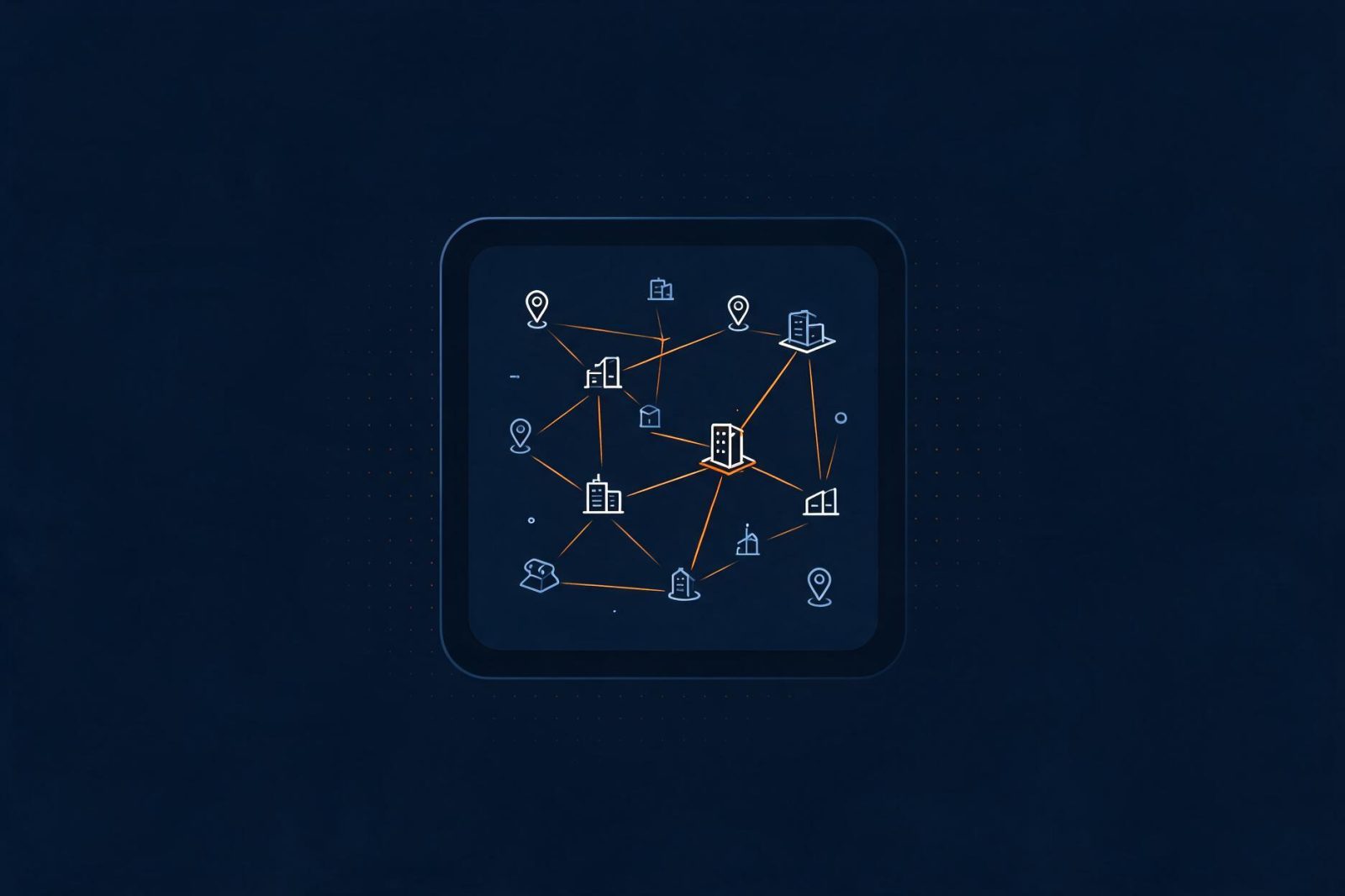
User VPN apps protect one device at a time. A site-to-site tunnel connects the networks themselves — printers, servers, POS systems, and every workstation included, with nothing to install.

Always-on — no user action requiredCovers devices that can't run VPN appsYour firewall or router is the endpoint

Typical deployments

HQ ⇄ branches

Shared files, printers, and internal apps across offices.

Office ⇄ data centre

Secure access to servers and backups off-site.

Disaster recovery

Standing tunnels to DR sites, tested and monitored.

Partner networks

Scoped, encrypted access for suppliers and clients.

ARCHITECTURE

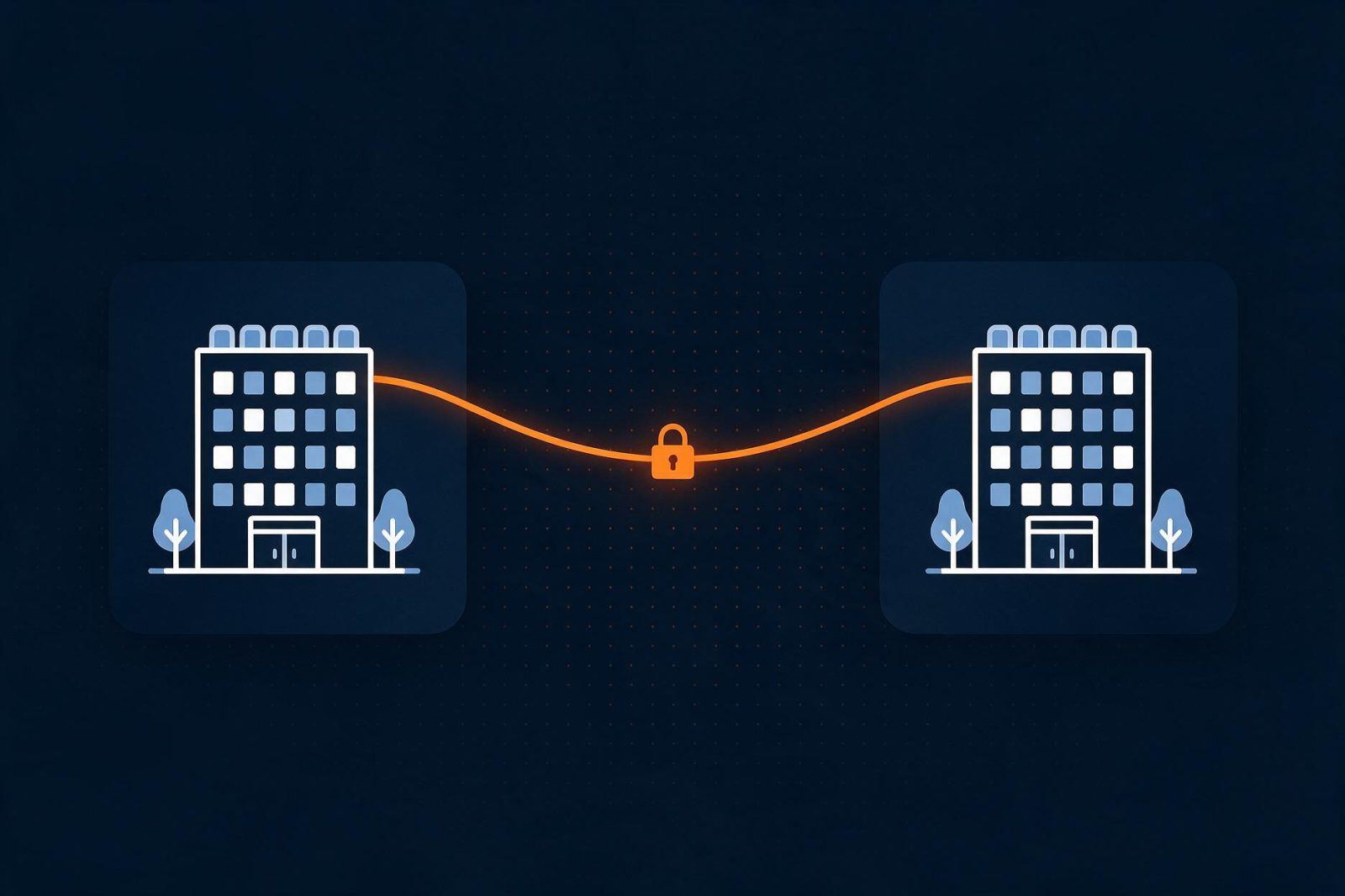
How the pieces connect

Each side keeps its own firewall and subnet; VPNGeek gateways carry the encrypted path between them.

A structured path to live

01
Plan

Map sites, subnets, and peers — with our checklist.

02
Configure

5-step wizard or CLI; config templates per platform.

03
Test

Verify both phases, ping across, confirm routing.

04
Launch

Go live with monitoring and alerts enabled.
Built to stay up — and stay yours

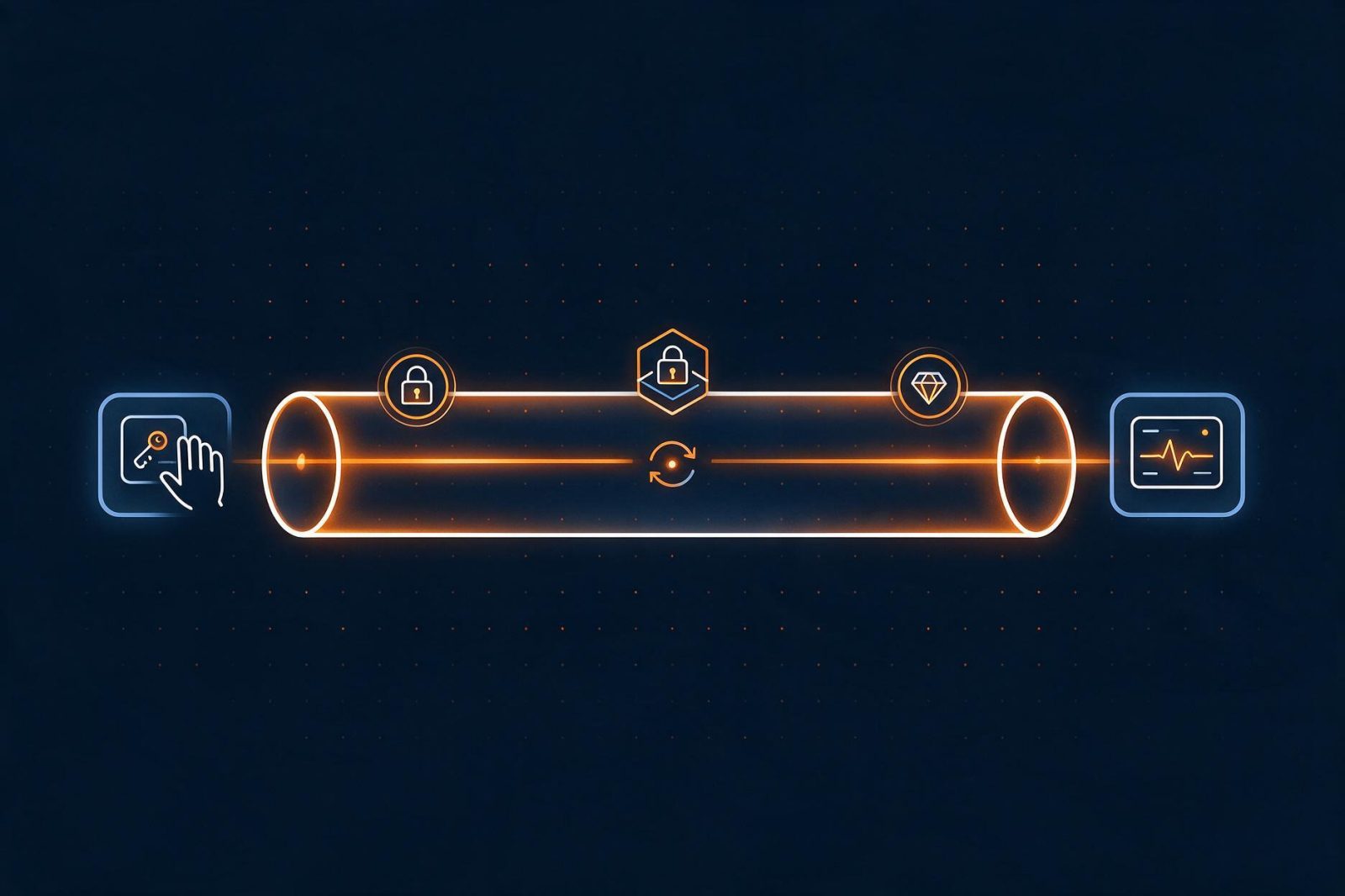
IKEv2 · AES-256-GCM · PFS on every tunnelYou hold the PSKs or certificatesDPD with automatic tunnel restartLive monitoring, alerts, and full event logs

From two sites to twenty

Add sites as you grow — hub-and-spoke or full mesh — and watch the whole estate on one live network map. No per-tunnel fees, ever.

Scalability features →

What each site needs

An IKEv2-capable device
Firewall, router, or software endpoint — see supported platforms.
A reachable endpoint
Static public IP or hostname; NAT-T handles the rest.
Non-overlapping subnets
Distinct CIDRs per site — the wizard checks for you.

Site-to-site questions

Do we need new hardware?

No — your existing IKEv2-capable firewall or router peers directly with the gateway.

What if a site has no static IP?

Use a hostname (dynamic DNS) as the peer; NAT traversal is supported out of the box.

How is availability handled?

DPD detects silent peers and restarts tunnels automatically; alerts notify your team.

Can traffic be scoped?

Yes — traffic selectors route only the subnets you define through the tunnel.

Bring two sites. Leave with a tunnel plan.

Plan my deployment Check compatibility Talk to a specialist